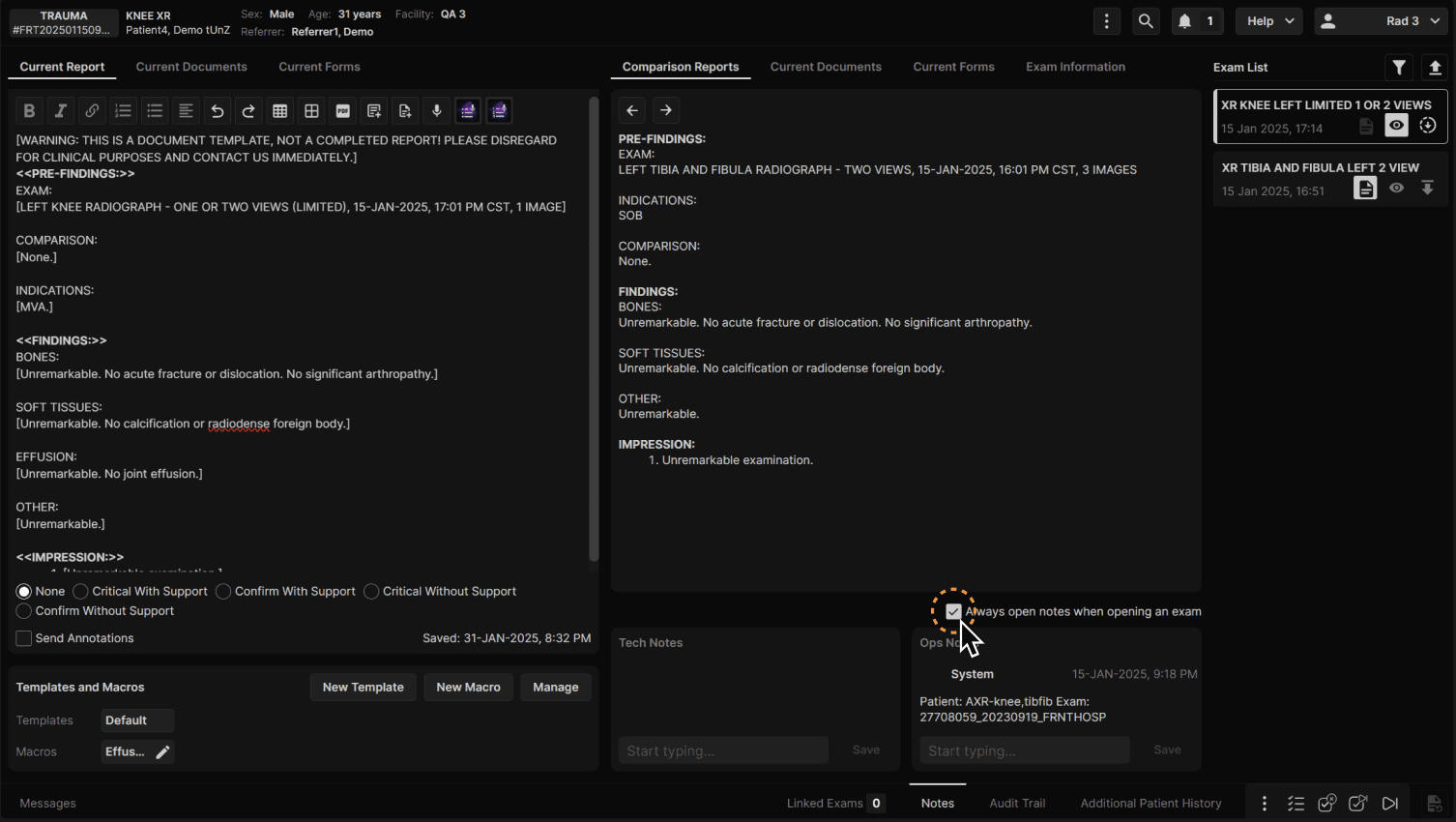
| Click "Notes." | |
|---|---|
|
|
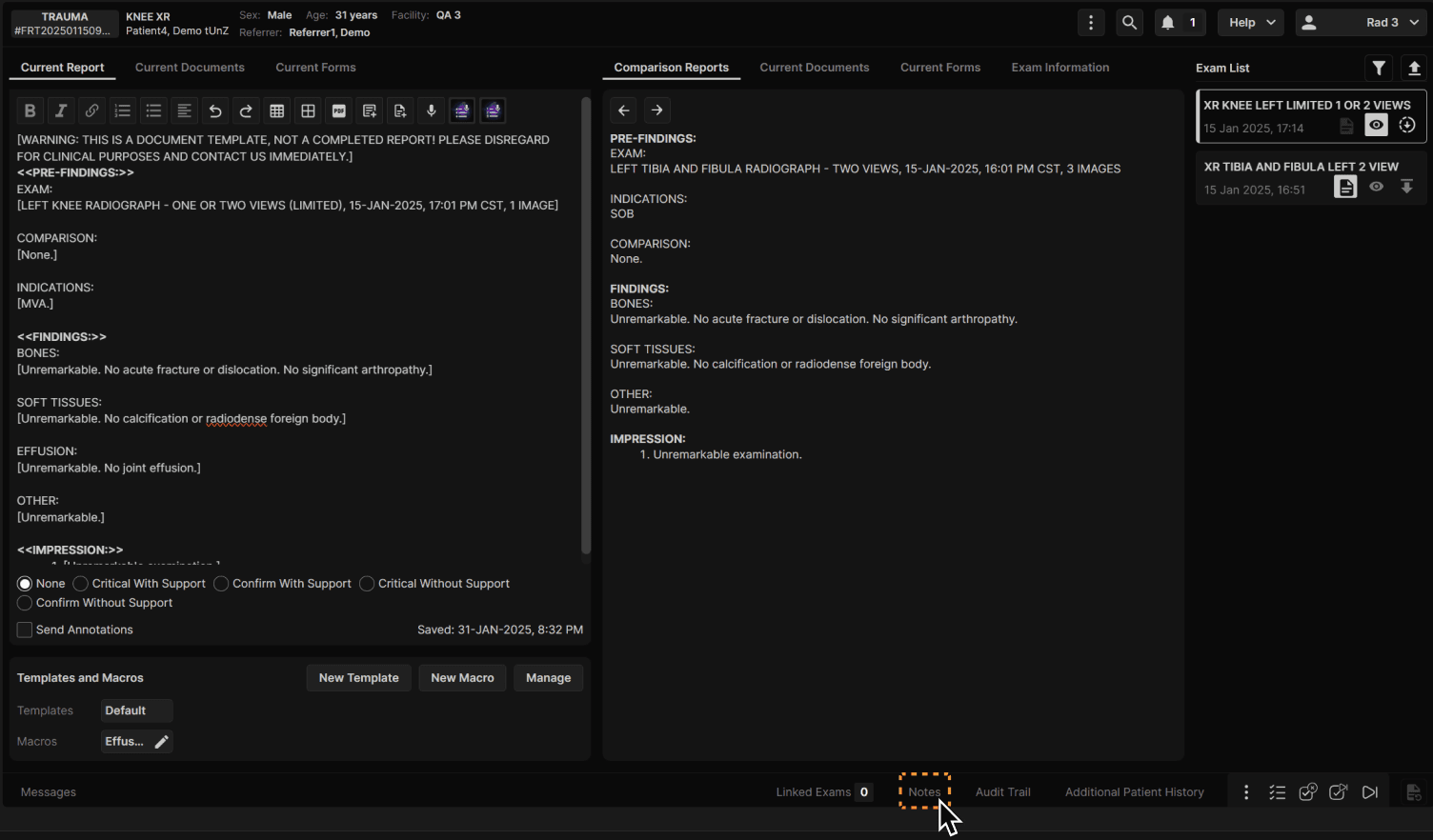
| You may configure your default setting to always open notes when opening an exam. Click to turn the function On/Off. | |
|---|---|
|
|

| Click "Notes." | |
|---|---|
|
|
| You may configure your default setting to always open notes when opening an exam. Click to turn the function On/Off. | |
|---|---|
|
|