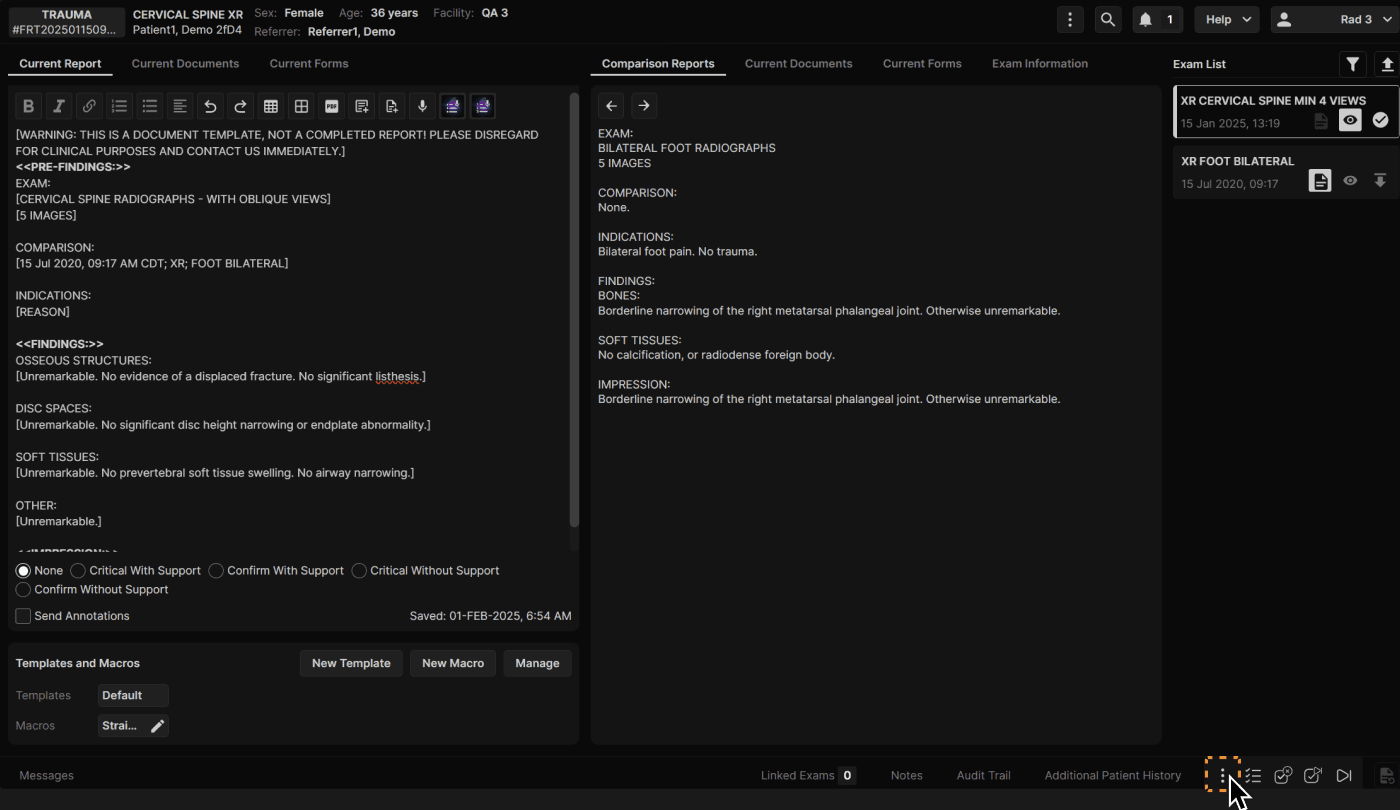
| Click the three dots at the bottom of the Reporting Screen to access all exam actions. | |
|---|---|
|
|
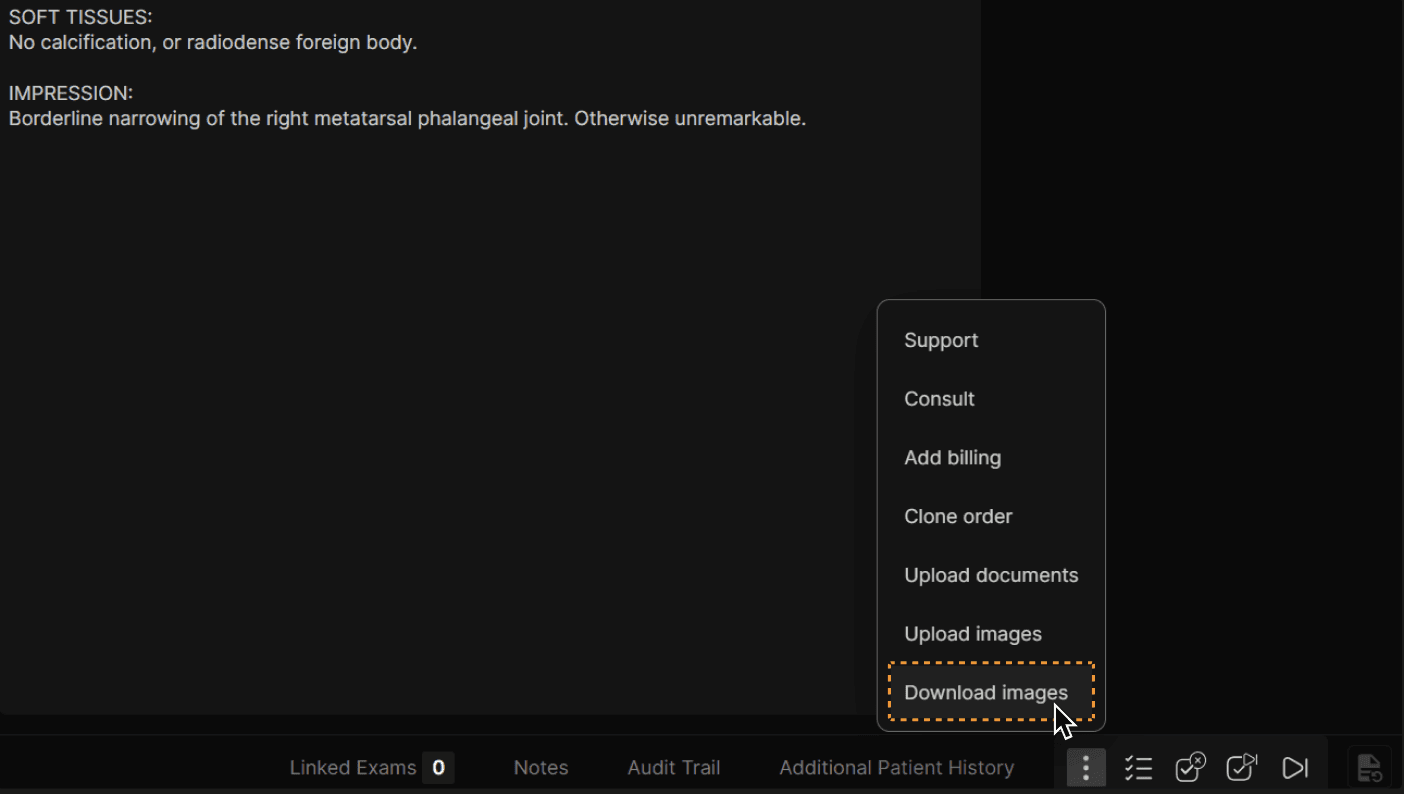
| Click "Download images" to create a zip file to download. The images will not be de-identified. | |
|---|---|
|
|

| Click the three dots at the bottom of the Reporting Screen to access all exam actions. | |
|---|---|
|
|
| Click "Download images" to create a zip file to download. The images will not be de-identified. | |
|---|---|
|
|