
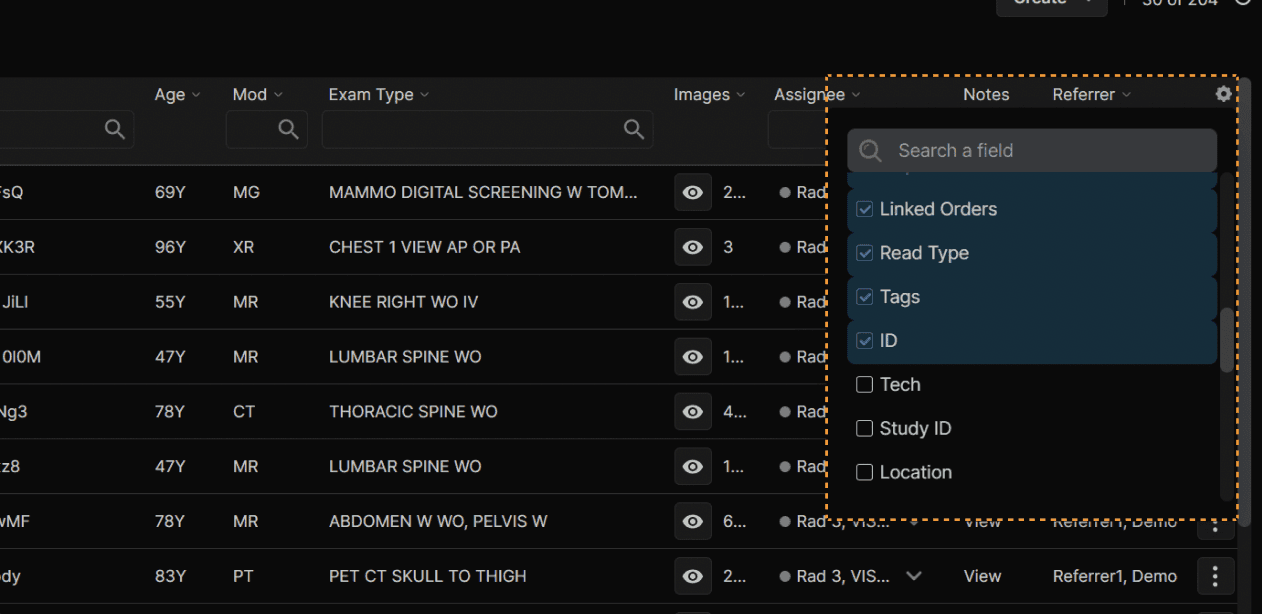
Use the gear icon in the top right hand corner of the exam list to configure which columns are displayed, and in what order. |
|---|
|
|
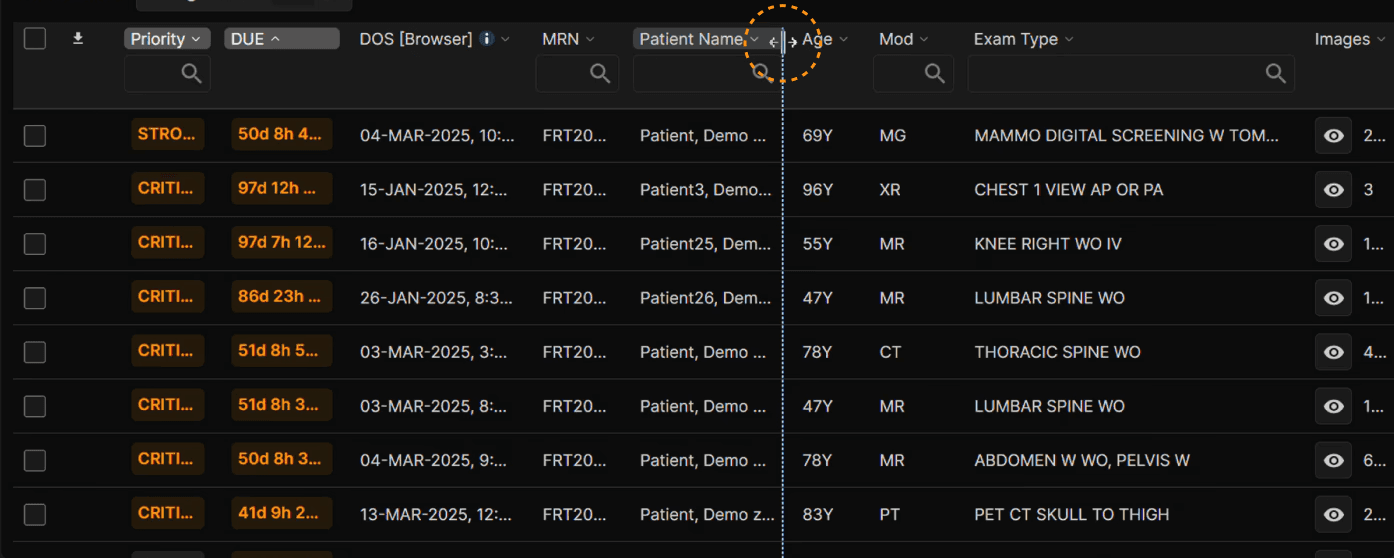
| Column width is adjustable by selecting the side of a column name and dragging your mouse. |
|---|
 |
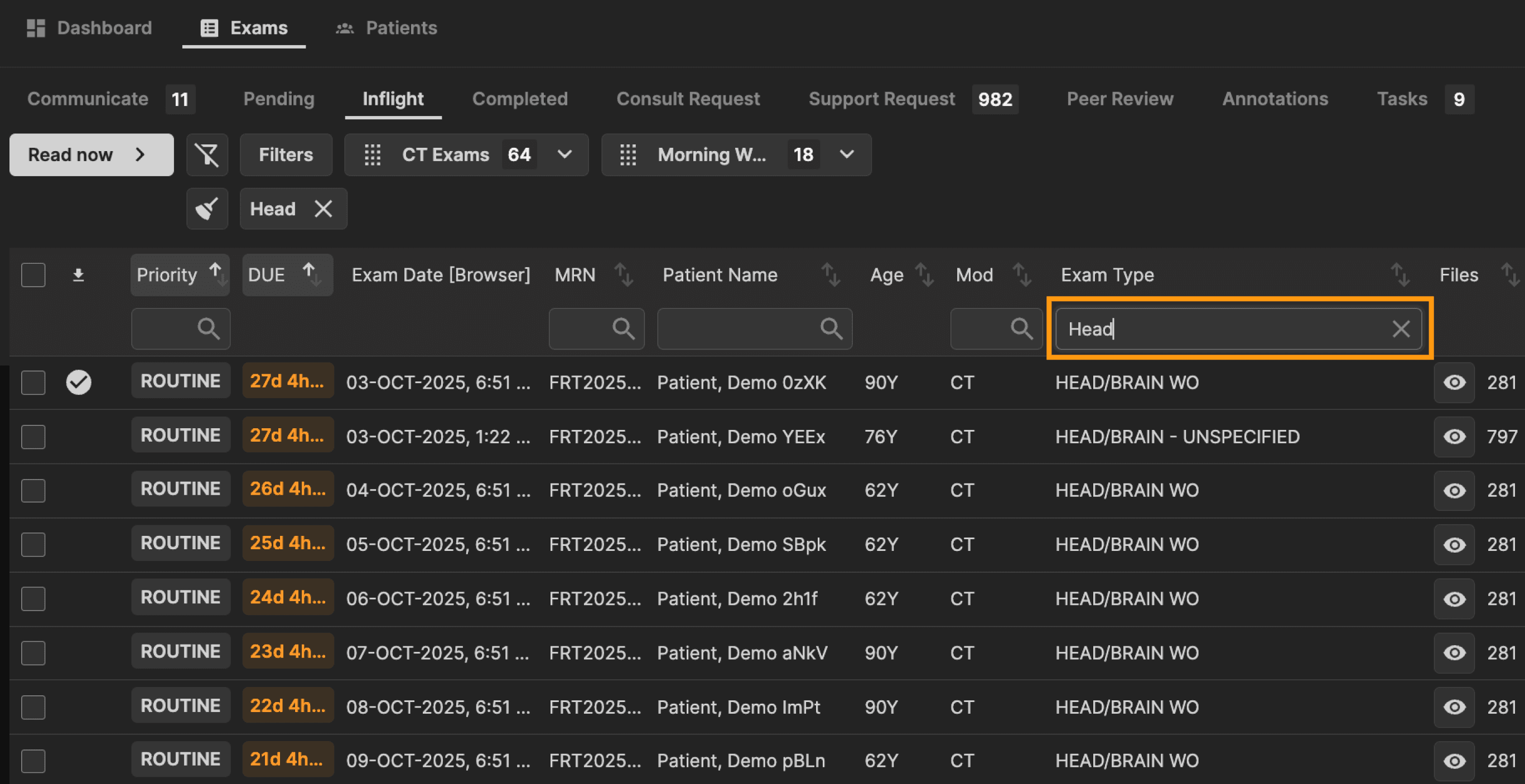
Columns can be individually searched. The search updates as you type based on a match to any portion of the word within the column. | |
|---|---|
 |
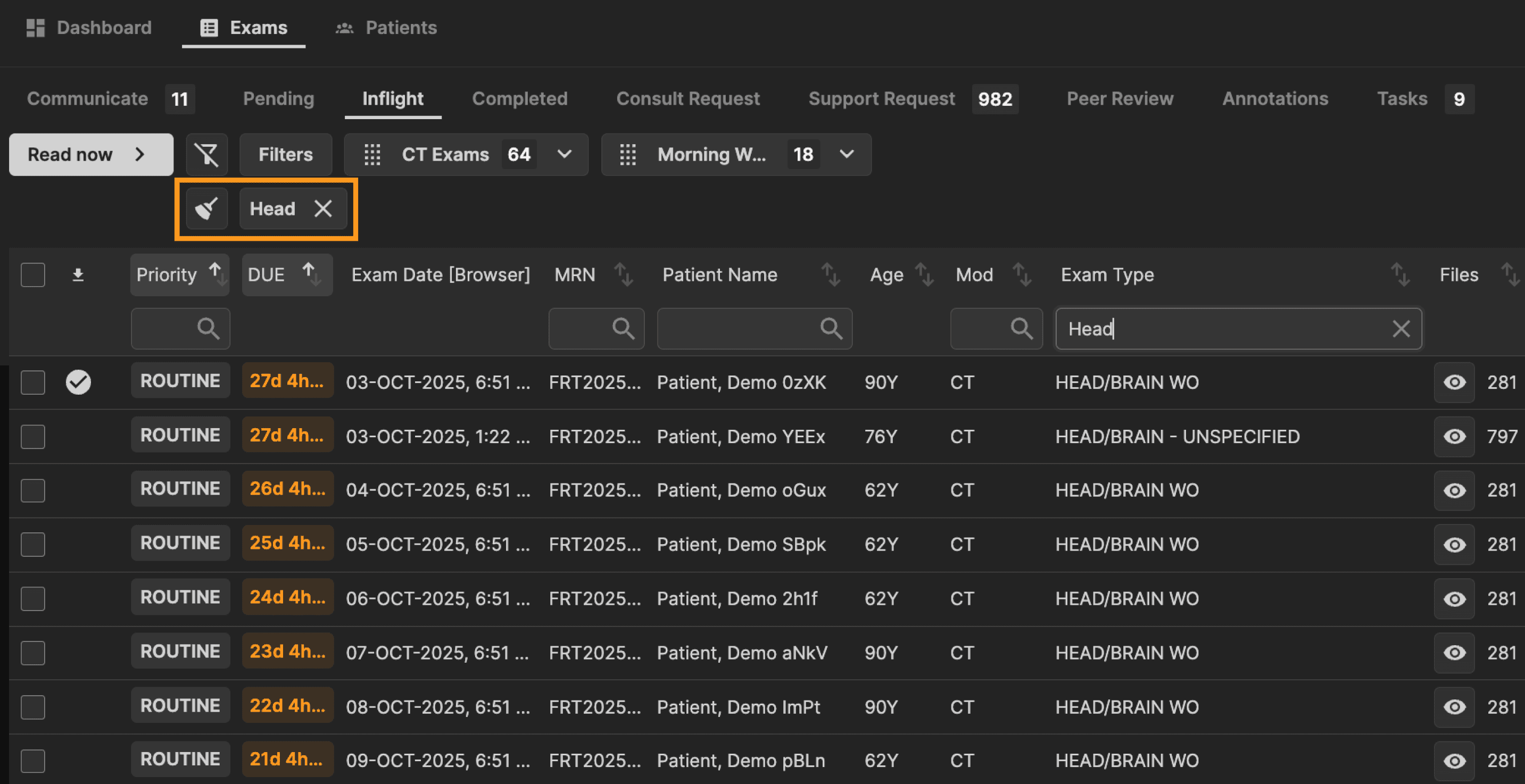
All column search items will be added as shown here. Remove a single item with the "X" or remove all items with the broom icon button. | |
|---|---|
 |
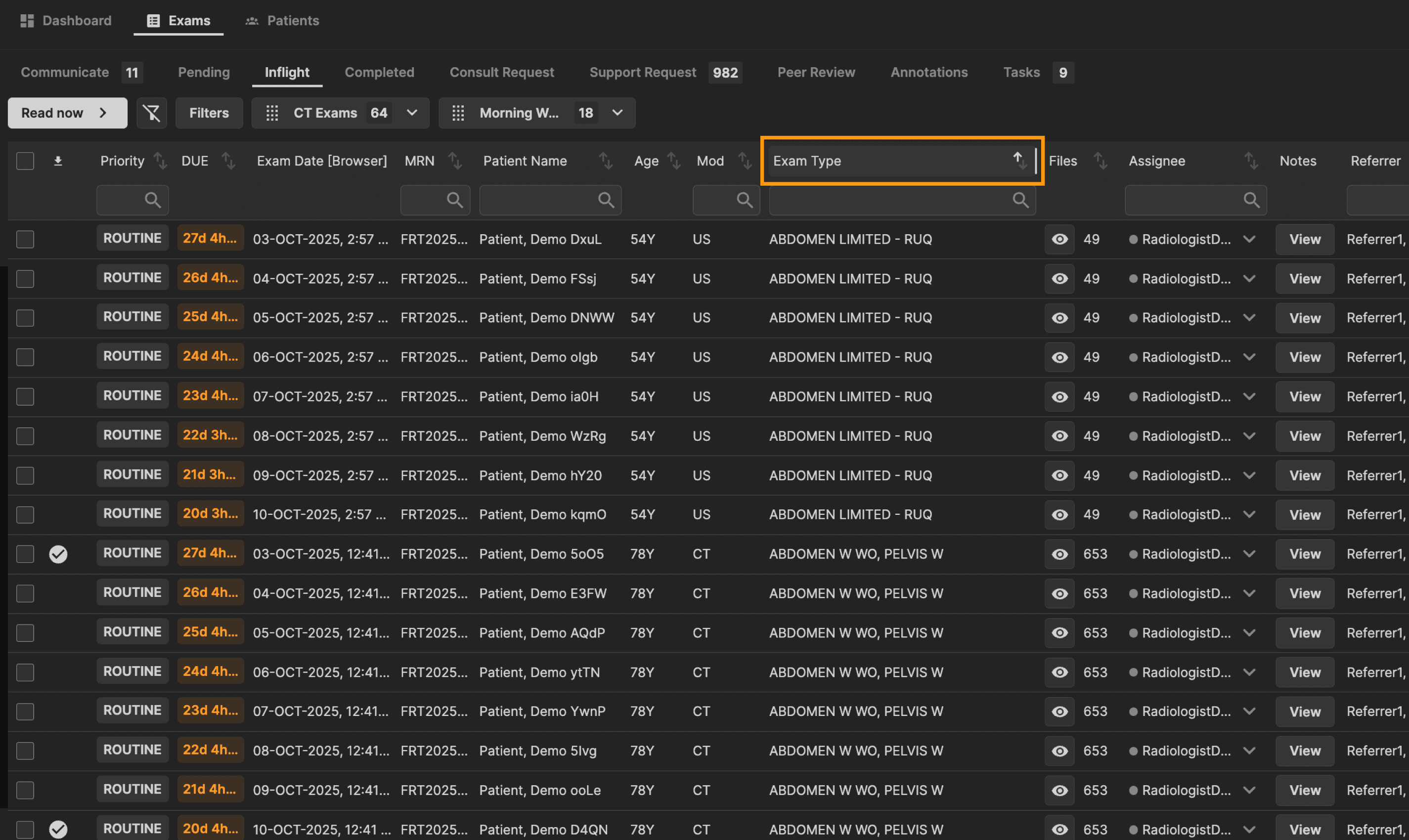
| The sort order for each column is adjustable by clicking on the column title. |
|---|
 |