Synthesis Health
Sign in Request Services Submit a ticket
  1. Synthesis Health
  2. Vision viewer
  3. Image viewing
Articles in this section
  • Keyboard shortcuts: Vision image viewing
  • Accessing the viewer’s electronic labeling (eIFU)
  • Selecting the default viewer
  • Orientation to viewports: Single landscape monitor
  • Orientation to viewports: Dual landscape monitors
  • Compare mode
  • Basic orientation to viewports
  • Montage: Adding and viewing images
  • Thumbnails
  • Single vs. Comparison panels
See more

Related articles

  • Selecting the default viewer

Accessing the viewer’s electronic labeling (eIFU)

Synthesis Health
Effective April 20, 2026 17:20 Last updated April 20, 2026 17:20


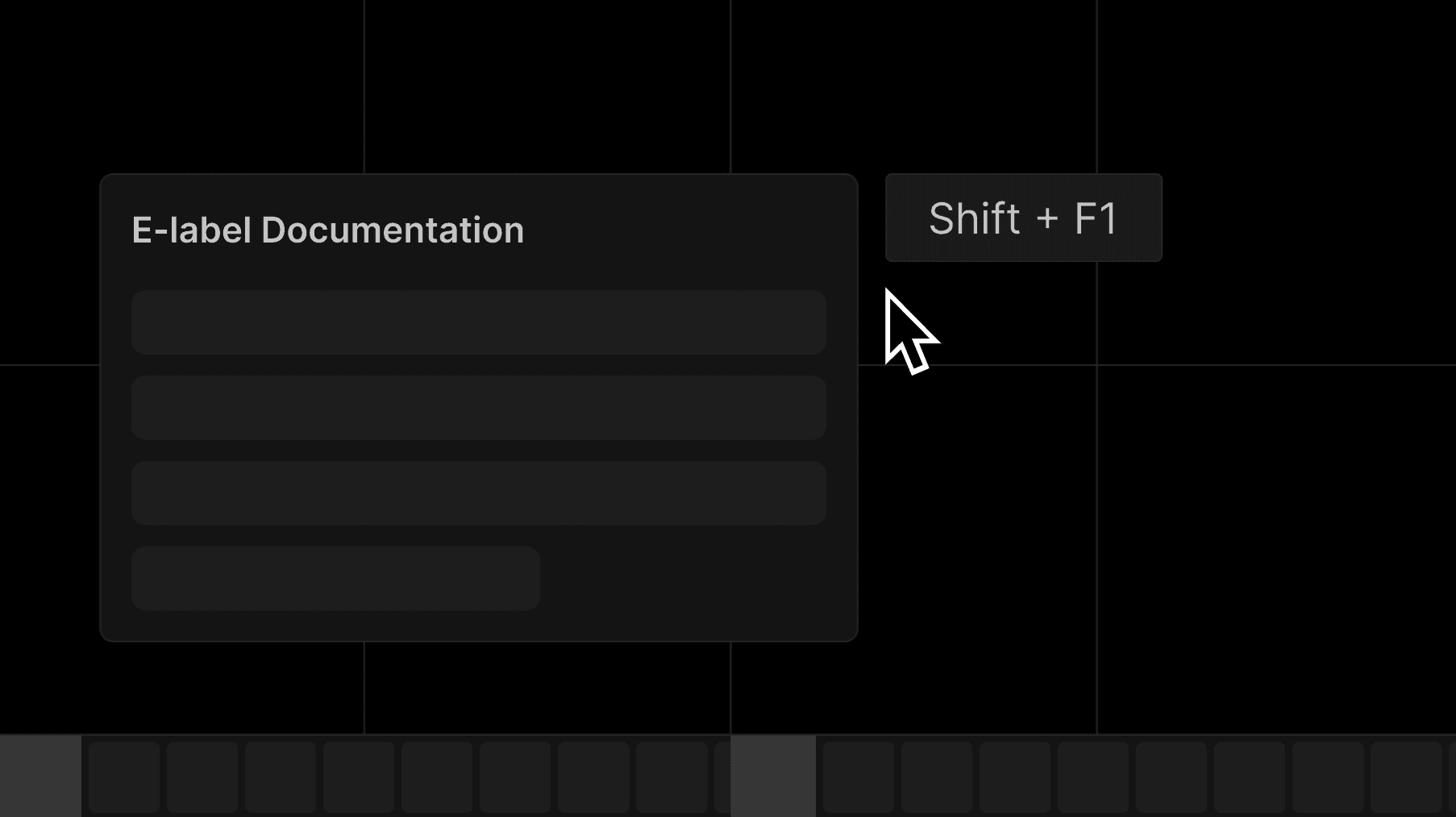
Launch the viewer and press Shift + F1 on your keyboard to open the e-label documentation.


Was this article helpful?

0 out of 0 found this helpful

Still have questions?

Our team is here to help.

Submit a ticket
Return to top
Synthesis Health

The Learning Center is for authorized, trained users only. All content is proprietary, confidential, and protected by intellectual property laws. This material is provided for informational purposes only and may not be copied, shared, modified, or used outside its intended context without prior written permission. Unauthorized use may violate contractual and legal obligations. This content does not replace customer-specific workflows, professional judgment, or clinical decision-making and must not be used or shared outside approved use.

© 2026 Synthesis Health, Inc. All rights reserved.